.png)
Bought Copilot. Now what?
Many organizations are investing in Microsoft Copilot and other AI tools with the hope of improving productivity and helping employees work more efficiently. But just buying the program doesn't make your team AI experts.
Employees start experimenting with prompts and looking for ways AI can help in their daily work. Some quickly find ways to save time. Others struggle to see where it fits into their role.
The organizations seeing the greatest results are not necessarily the ones with the most advanced technology. They are the ones helping employees understand how AI fits into their workflow seemlessly.
Turn AI into a tool your team actually uses
Successful AI adoption depends on people, not software. When employees understand how AI applies to the work they already do, they are much more likely to embrace it.
- A salesperson may use Copilot to prepare for meetings.
- An office administrator may use it to summarize emails or organize information.
- A marketer may use it to draft social media content or brainstorm campaign ideas.
The most successful organizations are not using AI because they were told to. They are using it because they understand how it helps them do their jobs more effectively.
That is why our training focuses on real-life use cases instead of generic AI concepts. The goal is to help employees discover ways to make their daily work easier and get more value from the tools they already have.
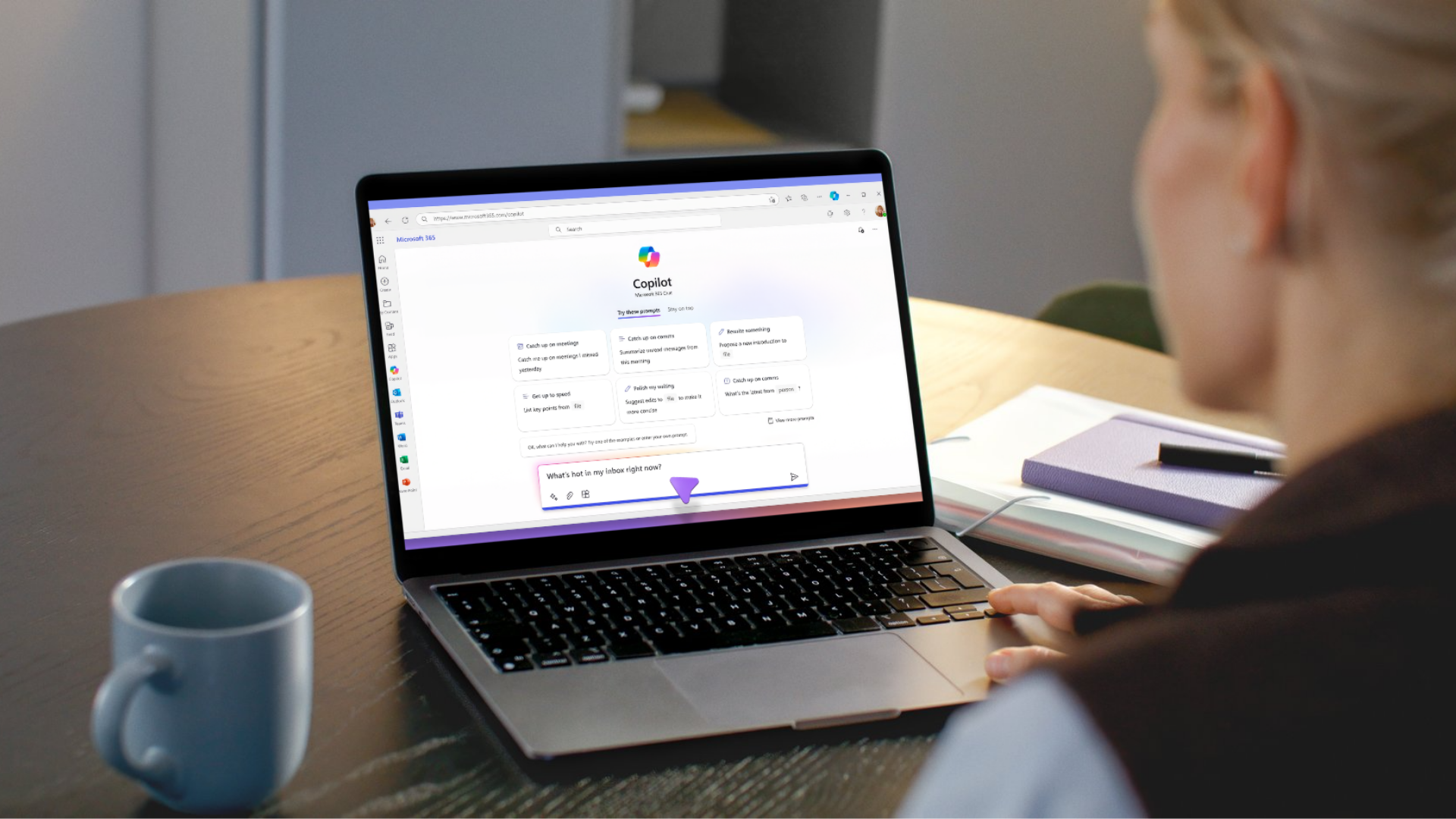
What does user enablement actually mean?
User enablement is what we've been talking about throughout this page: helping employees understand how AI fits into the work they already do.
Most people do not need to become AI experts. They simply need to understand when AI can help and how to use it effectively.
Through Microsoft Copilot training, prompt workshops, executive coaching, and department-specific use cases, we help employees build confidence and discover practical ways to get more value from the tools they already have.
Rather than focusing on every feature available, we focus on the tools and techniques that are most relevant to your organization. Our goal is to help employees walk away with skills they can use immediately.
Adoption takes time
Most employees do not become confident AI users after a single training session.
Like any new skill, it takes time to discover what works and build new habits. The organizations seeing the greatest success create opportunities for employees to keep learning and applying what they have learned.
As confidence grows, AI becomes less of an experiment and more of a natural part of everyday work.
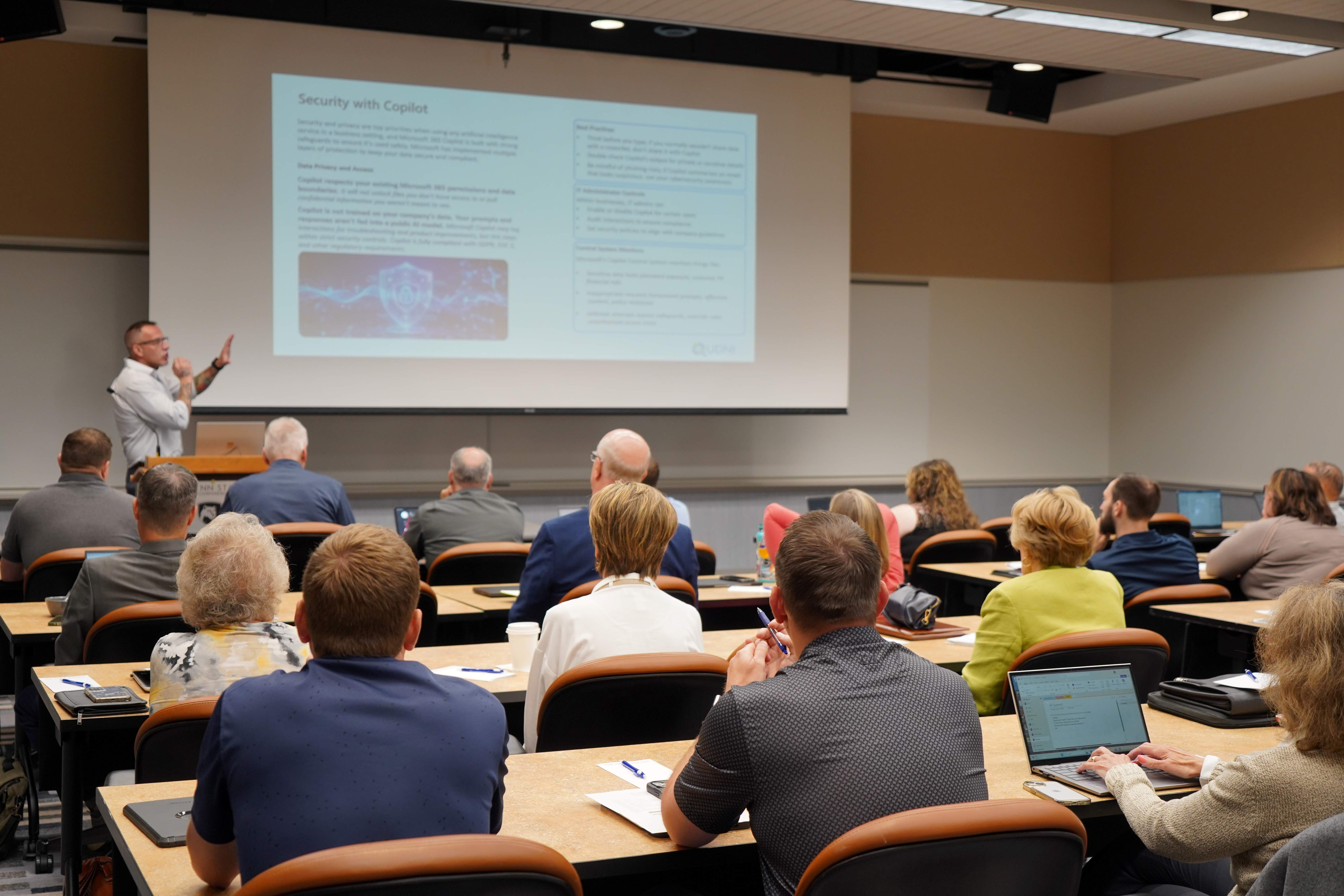
Why partner with UDNI?
So, why work with UDNI on your AI adoption initiatives? Here's the lowdown:
- We meet employees where they are: Whether someone is brand new to AI or already experimenting with Copilot, training is tailored to their experience level.
- We focus on practical use cases: Employees learn how AI applies to the work they already do.
- We help drive adoption: Building confidence is just as important as learning features.
- We understand the Microsoft ecosystem: Helping organizations get more value from the tools they already have.
- We're a local partner: Invested in helping Central Pennsylvania businesses succeed.
Ready to get more from AI?
By now, you've probably noticed a common theme throughout this page: successful AI adoption is about people.
When employees understand where AI fits into their work and how it can help, adoption becomes much more natural.
Let's start the conversation.